
Player IDs and the Updates page
Show your Mobile Legends ID on your profile so other players can invite you, and follow every mlbb.io change on this new Updates page.
Player IDs on your profile
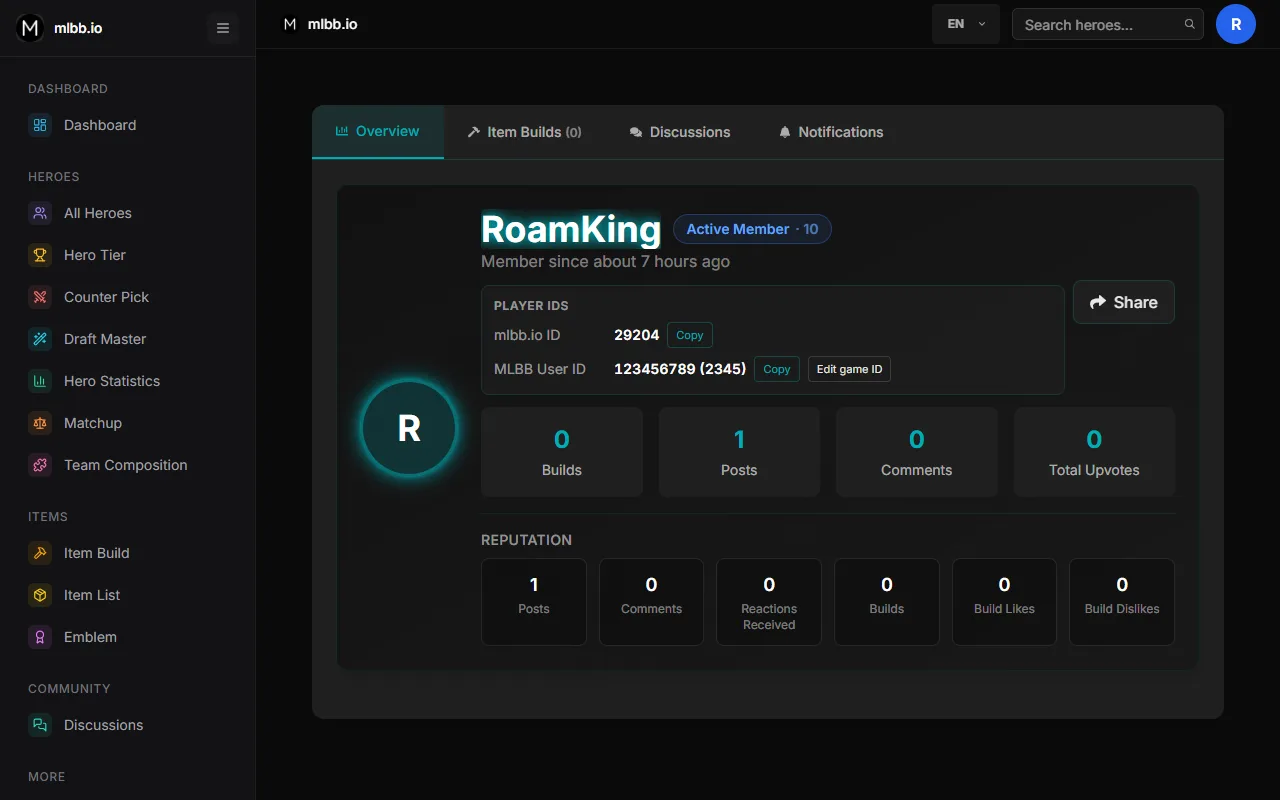
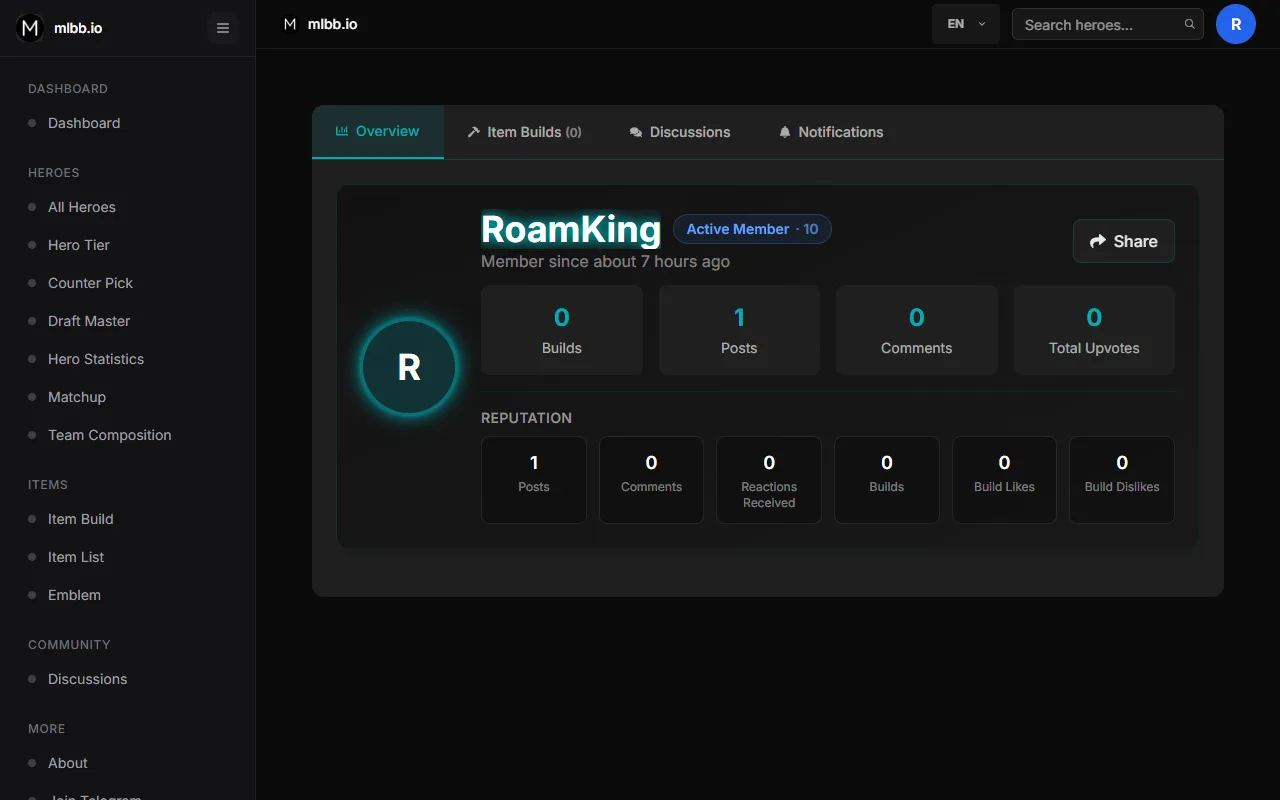
Your profile now shows your mlbb.io account ID and, if you add it, your Mobile Legends User ID and Zone ID. Each has a copy button.
How to use it
- Sign in and open your profile.
- In the "Player IDs" card, tap "Add".
- Enter your User ID and Zone ID (numbers only) and save.
Invite to play from the forum
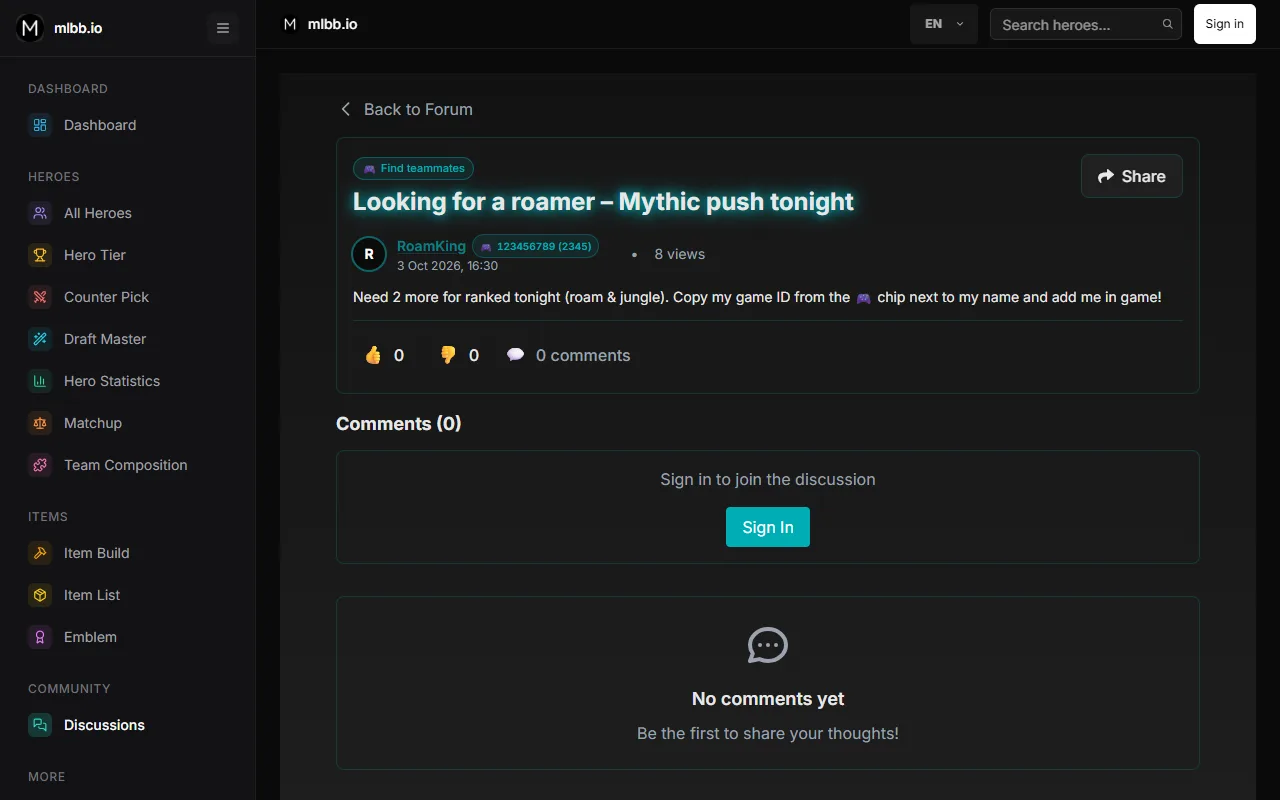
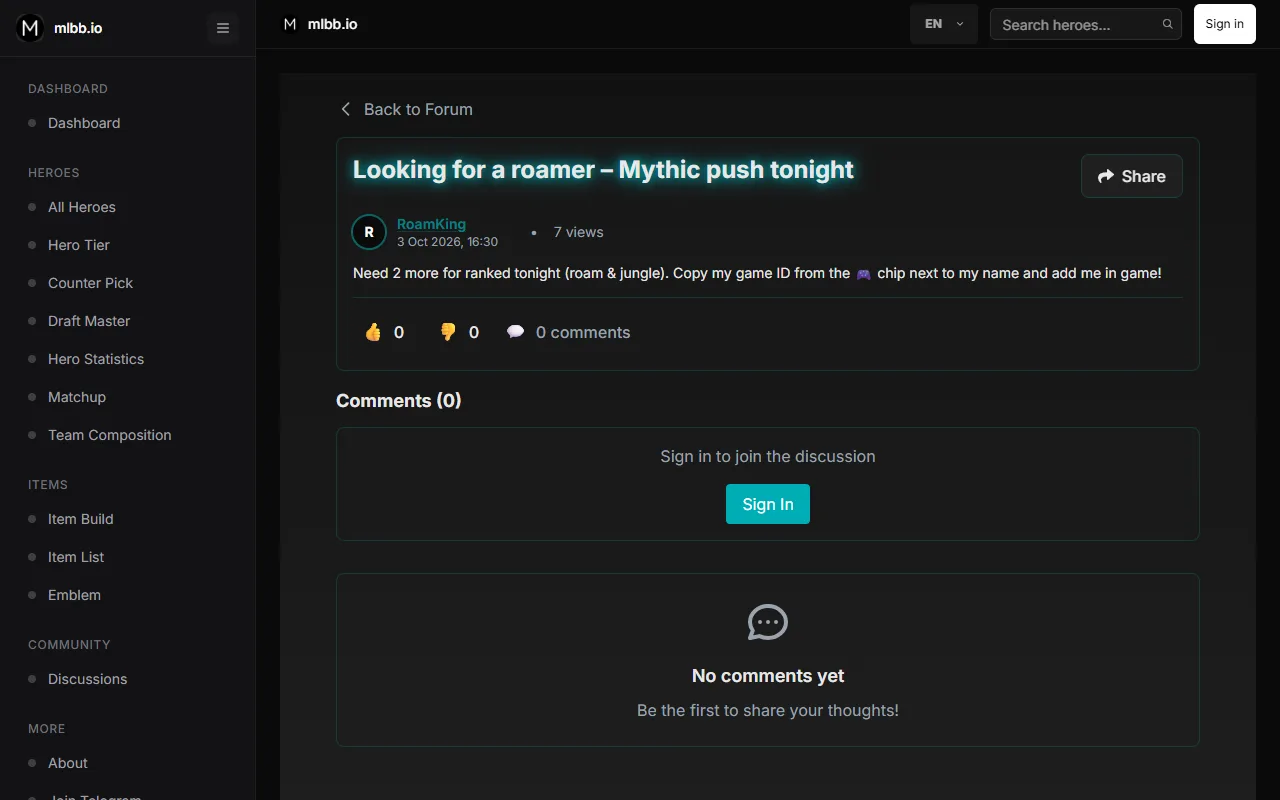
Players who added their game ID get a 🎮 chip next to their name in discussions. Tap it to copy the ID, then search it in game.
Discussion categories
Every post now has a category: iPhone/iPad bug, Android bug, website issue, feedback, general chat or find teammates. Filter the forum by category; bug reports start from a short template so we can fix things faster.
How to use it
- Open Discussions and tap "New post".
- Pick what your post is about.
- Write the title and fill in the template (for bug reports), then post.
Hero Tier filters fit your phone
Role and lane filters no longer scroll sideways on phones: roles sit in two rows, lanes in one row with short names.
Colored icons in the menu
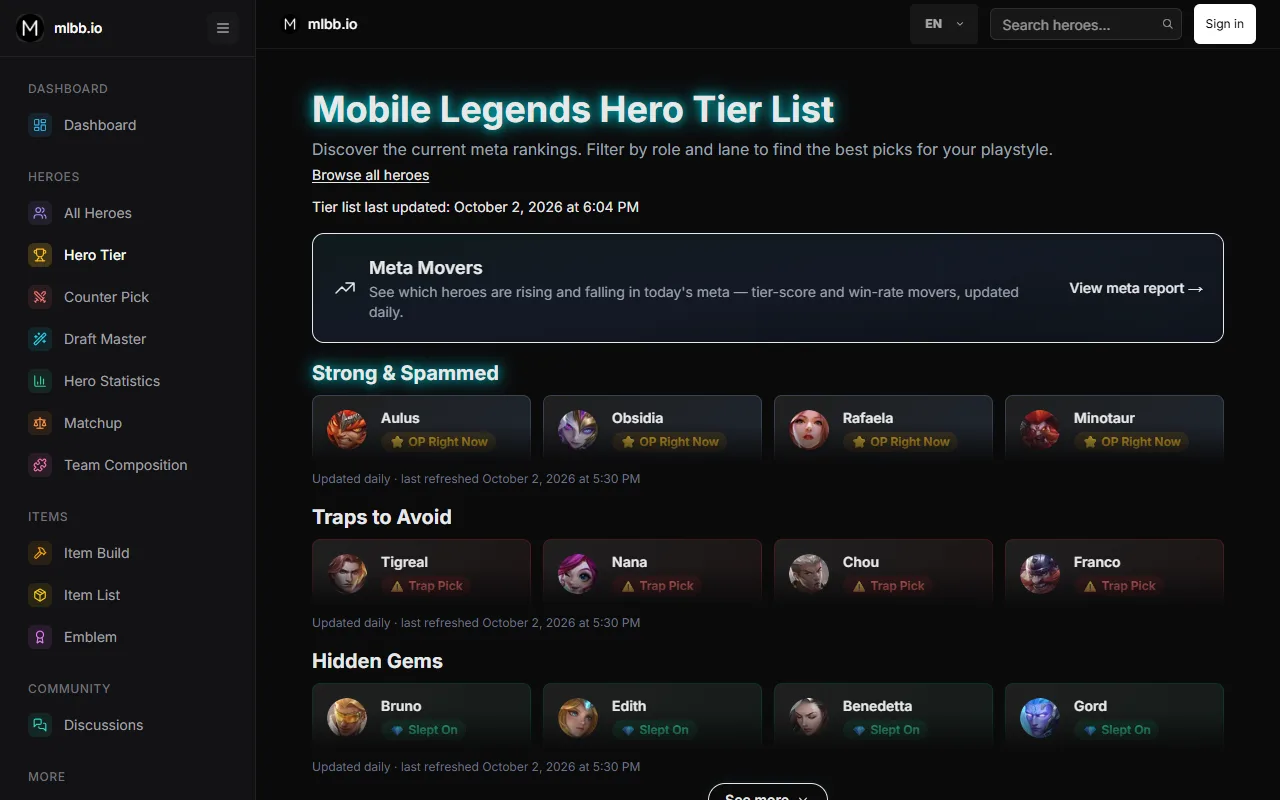
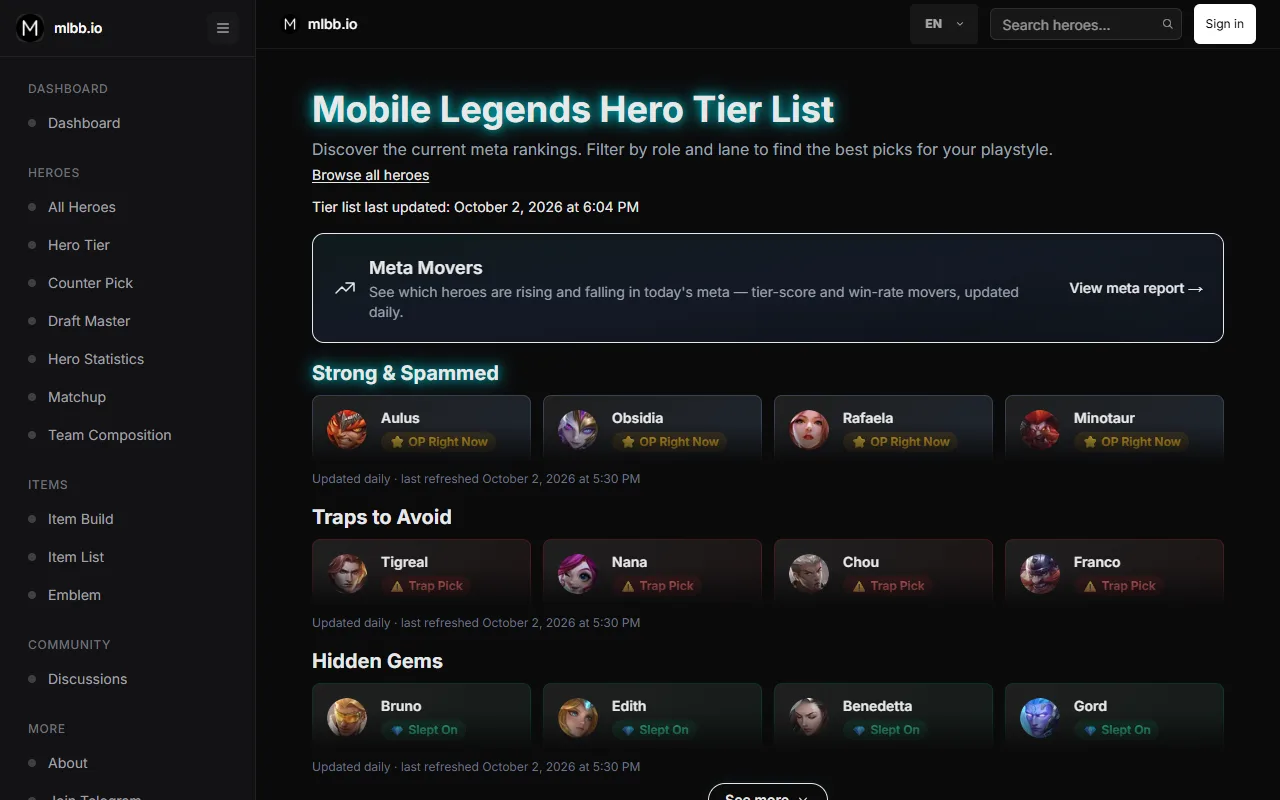
Every menu entry now has its own colored icon and the page you are on is highlighted, so tools are quicker to find.
mlbb.io on YouTube
Our new YouTube channel brings short tutorials and what is new on mlbb.io. Find it in the menu and in the footer, next to Telegram.
Open the channel →Home page stats match the hero pages
The hero card and quick stats on the home page used a small slice of the data (Mythical Glory+ over 30 days), so a win rate there could differ from the hero page. Every number on the home page now uses all ranks over the past 7 days, exactly what the hero page shows first, and says so under the stats. "Most banned" now looks at every hero.
Clear ways to reach us
Bugs and suggestions go to Discussions, where they can be tracked. Partnerships, sponsorships and private matters for the site owner go to [email protected] (also in the footer).
See contact options →This Updates page
Every website, iPhone/iPad and Android release is now explained here, with before/after screenshots and short videos. Find it under "More" in the menu.